
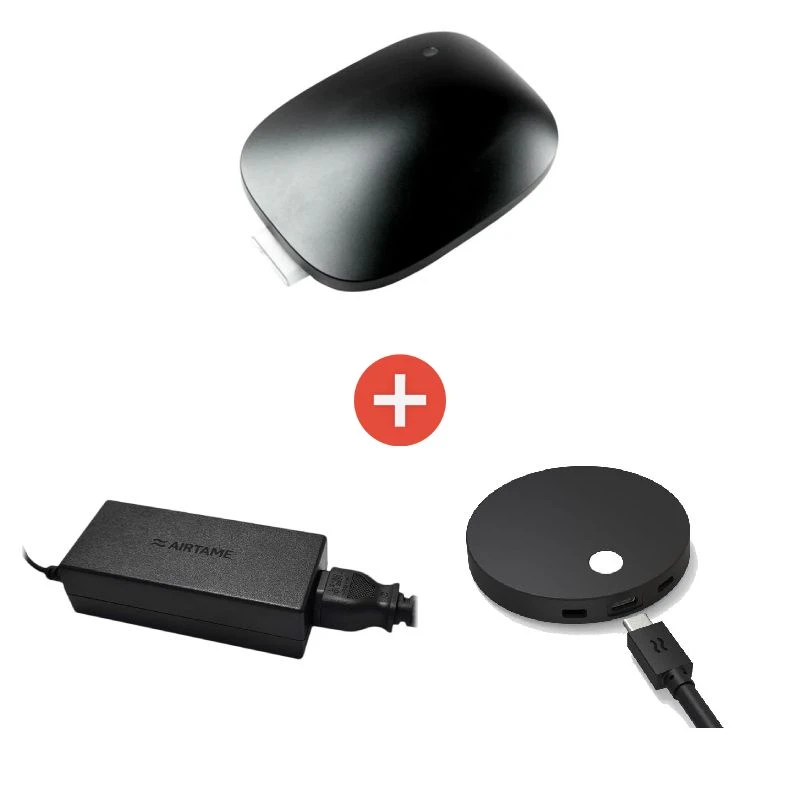
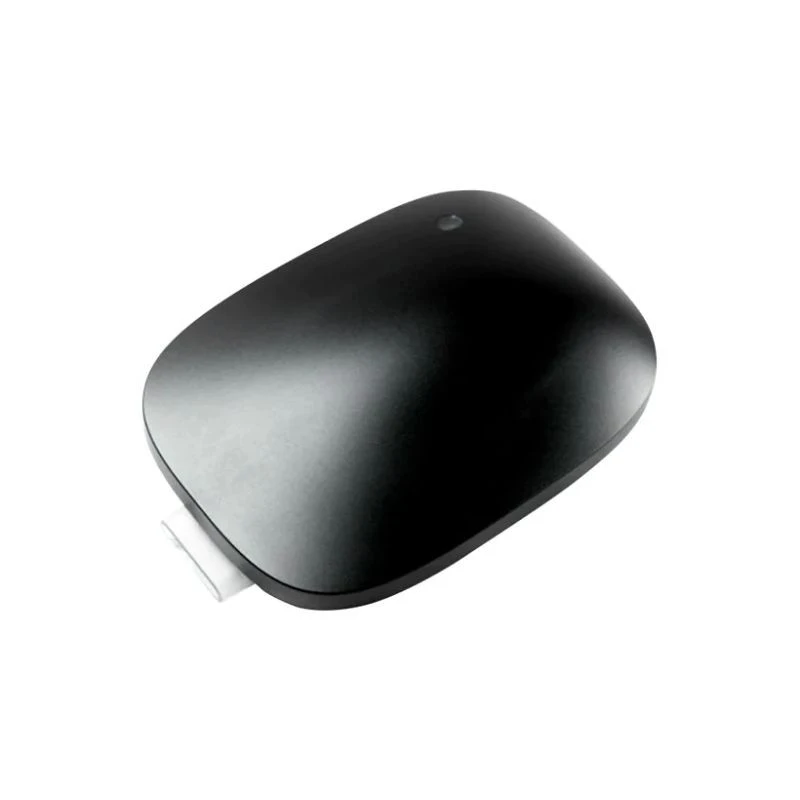
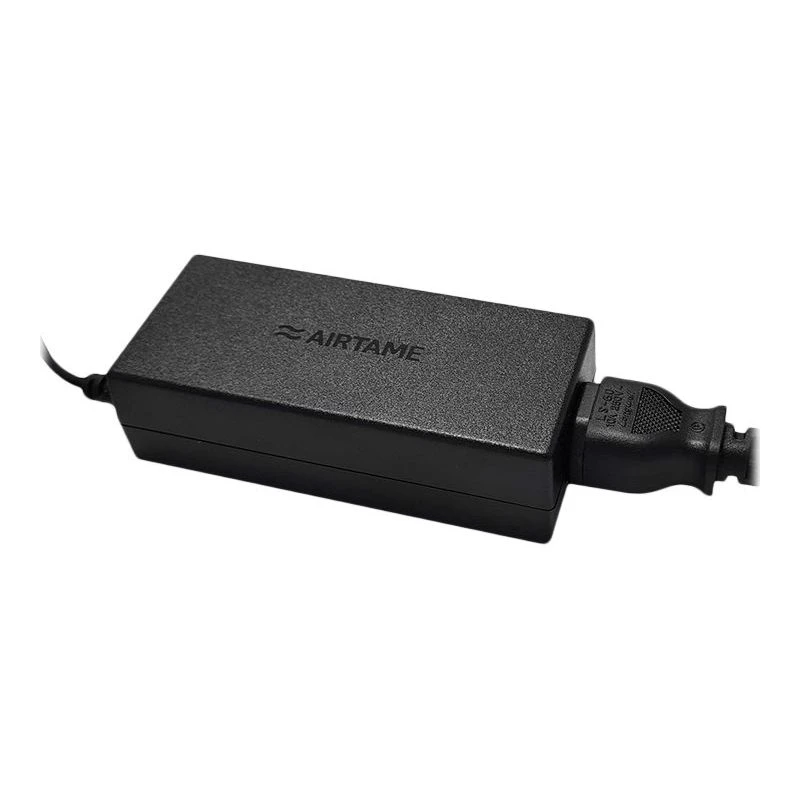
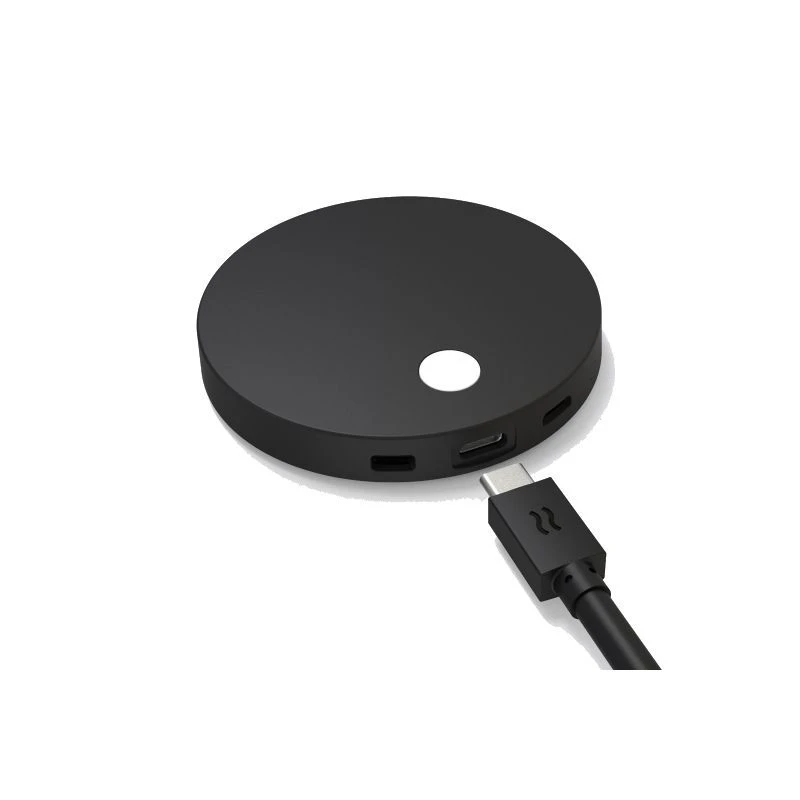
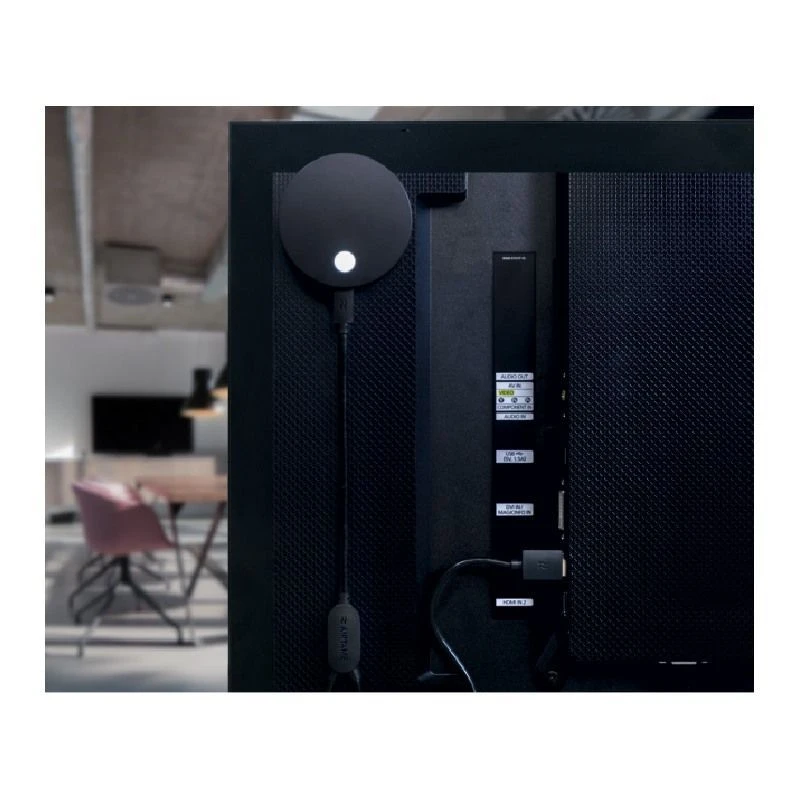
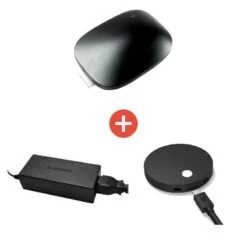
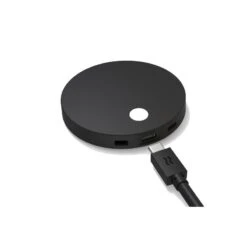
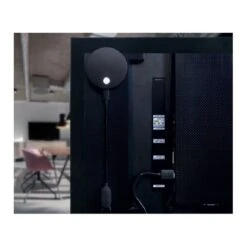
Airtame + Airtame 2 + UK Power Supply
Original price was: $356.00.$96.99Current price is: $96.99.
- 100% Quality Satisfaction
- Free 1 year warranty period
- 100% High-Quality Guarantee
- Fast reliable delivery options

Key features
- 2 HDMI outputs
- 2 USB-A and 1 USB-C connections
- Ethernet network 10/100/1000
- Bluetooth 5.2
- Safe, stable and simple
- Secure Sharing
- No shared content leaves your local network
- Share from any device with Miracast, AirPlay, GoogleCast, or from the Airtame App
- Cast to multiple screens
- Full screen mirroring or single window
- 1 year free subscription to Airtame Rooms
Easy Conferences
We’ve all been there. You walk into a meeting room thirty seconds before the video conference begins. There’s a scramble to plug in the laptop, make sure the right camera is selected, and that the microphone is plugged in. And then … you have problems with the Wi-Fi connection on your laptop.
Convert any collaboration space into a hybrid meeting room with Airtame Rooms running on the Airtame Hub. Joining a video conference from the office is now much easier, as are screen sharing and digital signage. It works across multiple conferencing services such as Microsoft Teams and Zoom, and features Power over Ethernet for stable calls, simple screen sharing, calendar integration to join meetings, and management of the call and peripherals through the Airtame App on your laptop. Purchase the Airtame hybrid conferencing solution as a bundle that includes the Airtame Hub and a one-year renewable subscription to Airtame Rooms
With the Airtame Hub:
- You’re no longer running the call on your laptop. All the processing power is in the Hub, for optimum performance
- PoE provides power and network connection via a single cable, for easier installation
- All of your peripherals are securely connected, so your room setup stays in place
- The Scandinavian design looks good in your meeting room. It’s a talking point, not just another black box
Design and Mounting Options
The Airtame Hub has a sleek design and you can place it on the wall or on a flat surface. Its design has also thought about sustainability, in such a way that its construction is based on the use of mostly recycled and recyclable materials.
Secure. Stable. Easy-to-use
The Airtame Hub provides a reliable room conferencing setup, so you can focus on the content of the meeting, not the details of the technology.
Stable video calls
Wired ethernet connection ensures high quality images and audio. So collaboration is simple and seamless.
Reliable room set-up
With dual HDMI and three USB ports you can attach screens and peripherals directly to the Airtame Hub. No need to search for the external microphone or scramble for an adapter.
Your laptop is your remote control
Say goodbye to the room tablet for good! Manage the call, and control the Hub-attached camera and microphone, from the Airtame App on your laptop.
Dual screen capabilities will not be available at launch
Airtame Rooms
To make conferencing easier, Airtame Rooms conferencing software can join you in video calls by connecting people who are in different places. Being configured to adapt to different meeting rooms, it will work in multiple conference services. It is already available for Microsoft Teams and will soon be available for Zoom as well. Simply, you will be able to join a call from your personal calendar through its integration.
Anyone in the room can easily share their screen without joining the call, making collaborations fast. Join the meeting from your laptop, then stream it to the Airtame Hub. Let the hub run the call and minimize your laptop’s power consumption. To ensure the best possible user experience, it is offered in an integrated package that includes the hardware appliance and a one-year software license with annual renewal. Airtame Rooms offers all the features of Cloud Plus, as well as everything you need to run Microsoft Teams and soon Zoom calls for your hybrid meetings.
Specifications
Interface
HDMI Out:2
USB:2 x Type A, 1 x Type C
Network:10/100/1000 Ethernet
WiFi:802.11a/b/g/n/ac, RSDB
Bluetooth:5.2
Device Dimensions
Height:56.4 mm (2.22 in)
Width:159.5 mm (6.28 in)
Depth:227.5 mm (8.96 in)
Power input
PoE IEEE 802.3at Type 2 “PoE+” (RJ45 Connector)
46-57V = max 30W
DC Power Port (IEC 60130-10:1971 Type A: 5.5 mm OD, 2.1 mm ID
12V = max 55W
Airtame 2
Present to any screen, in any room, from any device
Wireless screen sharing makes it easy to engage the room, whether you’re teaching a class, or collaborating with colleagues. Cast from your personal device to the shared screen. Airtame makes it easy for anyone to use.
With Airtame 2:
- Share from any device with Miracast, AirPlay, GoogleCast, or from the Airtame App
- Share what you want, with full screen mirroring or just a single window; even cast to multiple screens
- Share it securely, with PIN code connect, windows domain authentication
- No shared content leaves your local network
Educate, inform and engage
When your screens are inactive, turn them into digital signage with Airtame 2 and Cloud Plus. Display information on upcoming events, class schedules or company news. Show motivational messages, product videos and more.
Design your display
Display websites, room agendas, digital menu boards, project progress and more. Access a range of apps including Google Slides, Microsoft PowerPoint, Dropbox, OneDrive and many more.
Schedule in advance
Set specific times and days for content to show on each screen around the school or office.
Preview content
See what’s showing on each of your screens, via Airtame Cloud, to make sure you have the right content and correct image quality.
Specifications
Screen connections
HDMI 1.4b / VGA / DVI With external adapter
Output resolutions
1920 x 1080 (up to 60 Hz progressive mode)
1280 x 720 (up to 60 Hz)
Connections
1 x USB-C (Power, HDMI, USB Host, Ethernet)
1 x Micro USB OTG port (Ethernet)
Designed to work with Power over Ethernet (PoE)
Wireless
IEEE 802.11a/b/g/n/ac WPA2-PSK/WPA2-EAP/Open
Power consumption
Expected: 0.7 – 1 A @ 5 V = 3.5-5W
Max: 2.4 A @ 5 V = 12W
Device Dimensions
Ø: 77.90 mm (3.07 inch)
H: 13.50 mm (0.53 inch)
| Manufacturer part # | AT-CD1-ROOMS-1Y + AT-CD1-PSU-UK + AT-DG2 |
|---|---|
| Warranty | 2 years |
Be the first to review “Airtame + Airtame 2 + UK Power Supply”
Related products
Meeting Room Equipment

Meeting Room Equipment
Meeting Room Equipment

Meeting Room Equipment
Accessories
Meeting Room Equipment
Meeting Room Equipment
Meeting Room Equipment
Reviews
There are no reviews yet.