
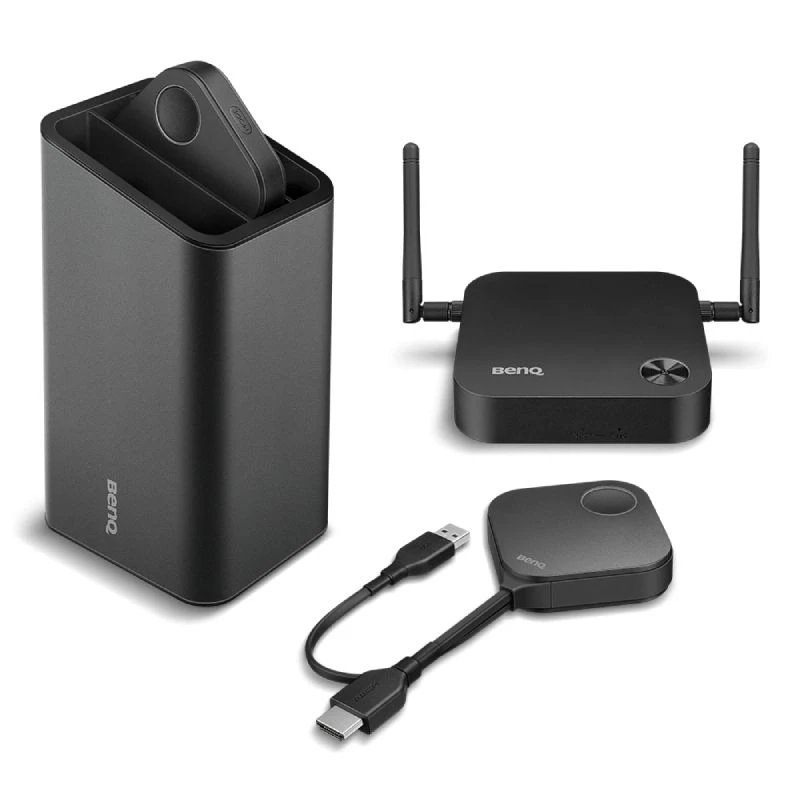
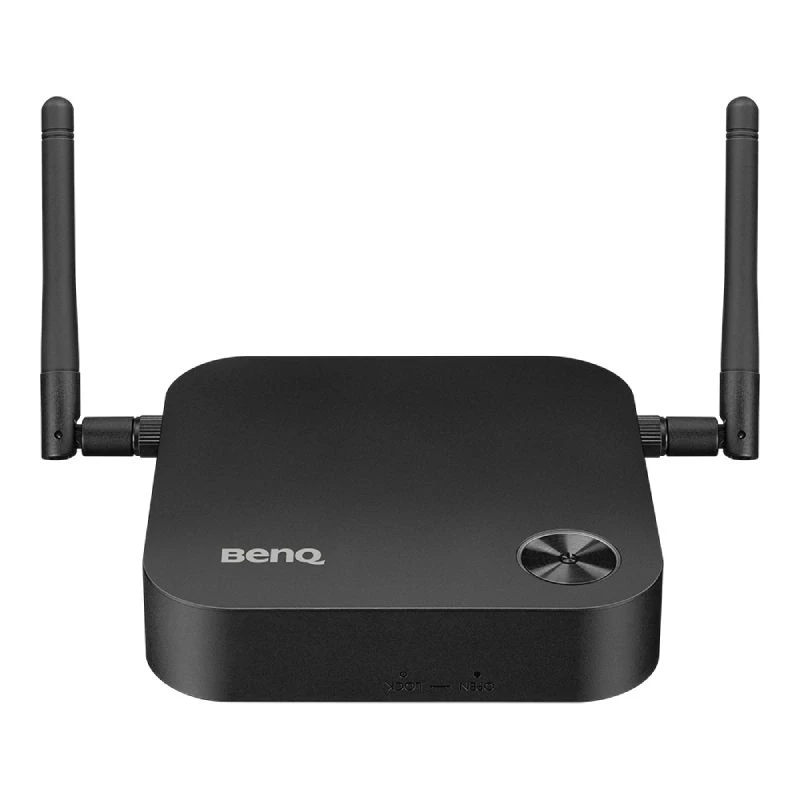
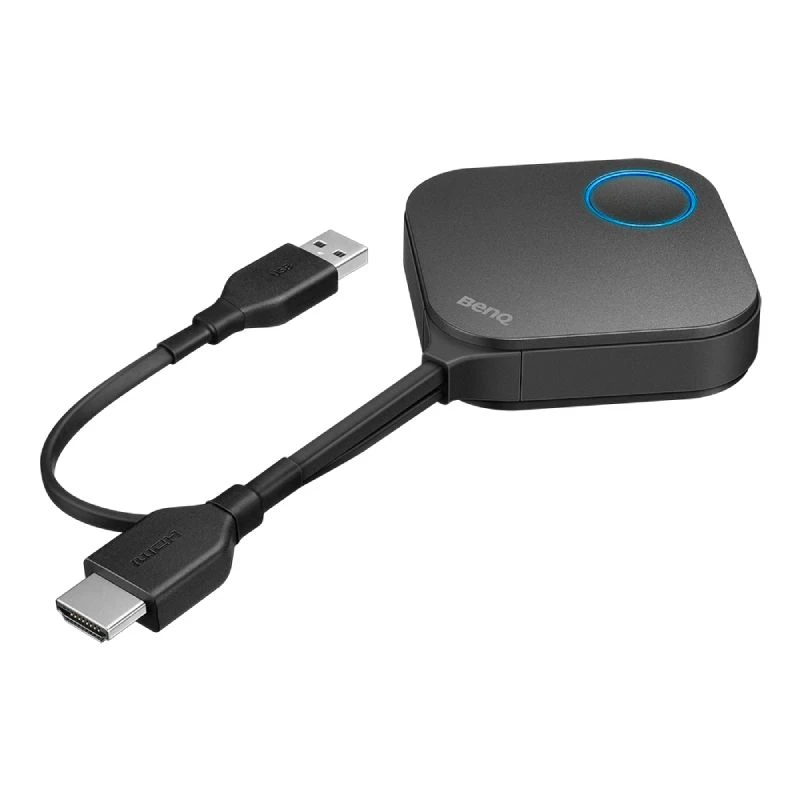
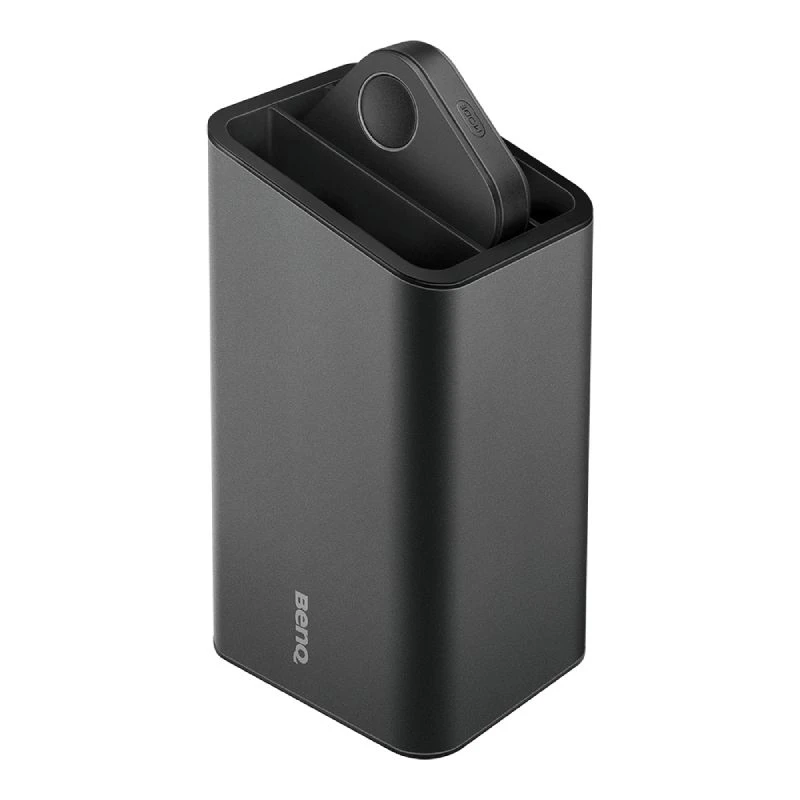
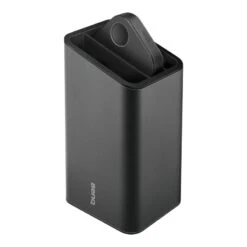
BenQ Instashow WDC10
Original price was: $307.00.$98.99Current price is: $98.99.
- 100% Quality Satisfaction
- Free 1 year warranty period
- 100% High-Quality Guarantee
- Fast reliable delivery options

Key features
- Auto Channel Selection
- Video and Audio Support
- Assured Performance
- Extended Desktop
- True Plug & Play
- No Software, InstaVideo
- Wireless 802.11ac
WDC10 InstaShow | Wireless Presentation & Screen Sharing For Enterprises
Instant Visual Communication and Collaboration for the Modern Enterprise
It’s human nature to resist change, which is why new technology can be intimidating. The BenQ InstaShow WDC10 wireless presentation system requires zero learning curve, plugging right into your daily routine to start sharing instantly. Anyone that tries the InstaShow WDC10 immediately knows how to use it for collaborative presentations. BenQ InstaShow WDC10 is a wireless solution that ushers opportunities in network collaboration without additional facility investment or training. Any business customer, even those without Wi-Fi infrastructure, can deploy InstaShow for employees and visitors to enjoy simple and quick wireless presentations without awkward moments setting up, allowing instant teamwork and immediate results.
Freedom of Instinctive Collaboration One Simple Button to Start Presenting
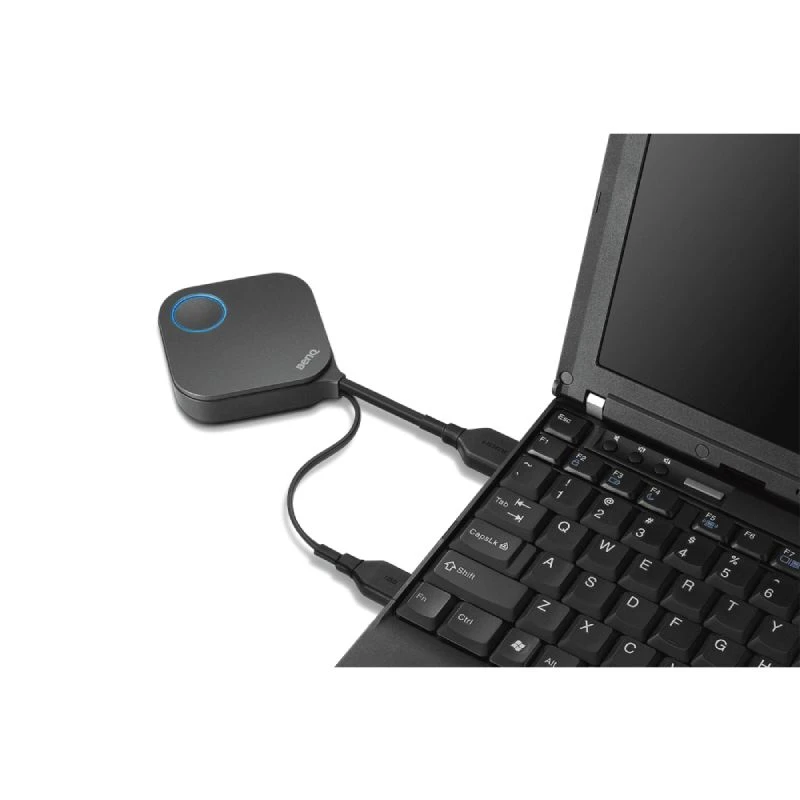
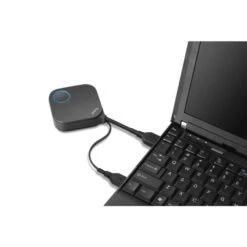
With just a single button, the InstaShow wireless presentation system is an all-hardware solution that simply plugs into the source laptop. It takes mere seconds to start presenting wirelessly. There is no software at all to install, configure or execute, reducing downtime and uncomfortable silences to kick off a productive meeting.
No Software Setup or Maintenance
BenQ InstaShow significantly enhances corporate efficiency and agility by offering a natural, intuitive way for up to 16 presenters to start presentations without waiting and wasting valuable meeting time. With conference rooms always at a premium in today’s enterprise settings, the WDC10 InstaShow significantly boosts corporate productivity by maximizing time and teamwork. Additionally, because it has no software to configure or update and no OS compatibility to maintain, the BenQ InstaShow WDC10 wireless display technology is free from IT support.
Join Anytime with Simple Pairing
Pairing the BenQ WDC10 InstaShow transmit button to a receiver host is equally simple. It just takes holding down the pairing key on the host for five seconds and doing the same on the transmitter for automatic wireless pairing. The host can even be put into pairing mode via web control for cases where it is installed onto a ceiling-mounted projector or otherwise hard-to-reach location.
Presenter-Controlled Video Mode Switching
Our exclusive InstaVideo function optimizes the BenQ WDC10’s audiovisual settings to spontaneously switch from clear presentation mode to smooth video mode with stereo sound at the click of a side button. This is all done without IT support, cable clutter, or complex software settings. By letting presenters quickly customize displayed content, users can confidently blend text, graphs and charts, pictures, and video to create a powerfully effective meeting, all done wirelessly in Full HD.
Powerful Compatibility on Any Platform
Users can freely present on any device with a standard HDMI input, utilizing content from a wide range of devices such as laptops. Furthermore, InstaShow WDC10 exclusively offers extended desktop mode in both Windows and OS X to enable presenter view. Presenters can privately view or take notes, backup data and monitor other applications during the presentation while still delivering an inspirational performance.
Eco-Conscious Operation for Efficiency and Productivity
The wireless InstaShow offers multiple ways that users may select via web management to conserve energy for eco-conscious corporations. With WDC10 BenQ, there are multiple ways for eco-conscious corporations to conserve energy. First, HDMI Standby cuts InstaShow’s power consumption to near zero after the connected device is turned off, extending the WDC10’s lifespan. When the display device is turned back on, the BenQ wireless system also wakes up automatically without the need for a separate remote control, especially useful when InstaShow is ceiling mounted.
In addition, BenQ can be configured to enter network standby when there is no source activity within a user-defined timeout, cutting HDMI transmission and triggering sleep mechanisms on connected display devices, which simply need to be turned back on when the presentation or meeting resumes. This reduces corporate TCO not only from power savings and extended life from the WDC10 InstaShow device but from meeting room displays that are left running unused as well. Up to 50% of display power consumption can be conserved by InstaShow activating Blank Mode when used in conjunction with a BenQ projector.
State-of-the-art presentation technology to modernize your office, save time, and increase meeting efficiency
Instant Collaboration: Tap and share your screen in seconds
Increased Efficiency: Plug & play with no IT set-up. No apps, special networks, adaptors/cables are required
Enterprise-Grade Security: AES 128-bit encryption & WPA2 authentication keeps your network and presentations secure from wireless snooping and recording
Optimised Wireless Video Playback: Show high-quality videos in presentations without affecting network bandwidth
| Manufacturer part # | 9H.JF878.N5E |
|---|---|
| EAN | 4718755063053 |
| Warranty | 1 year |
| Room Size | Medium Meeting Room (6-12) |
| Connects to | With PC/Laptop |
| Camera resolution | 4K |
| Other Features | Content Sharing |
| Additional Warranties | Optional |
Be the first to review “BenQ Instashow WDC10”
Related products
Accessories
Meeting Room Equipment
Meeting Room Equipment

Meeting Room Equipment

Meeting Room Equipment
Meeting Room Equipment
Meeting Room Equipment
Meeting Room Equipment
Reviews
There are no reviews yet.